Leads, quotes, orders and customer history, connected to stock and invoicing.
- Pipeline and quotes
- Customer history
- Sales targets

Software Development / ERP
We build ERP systems module by module so sales, stock, purchasing, accounts and staff records share the same data.
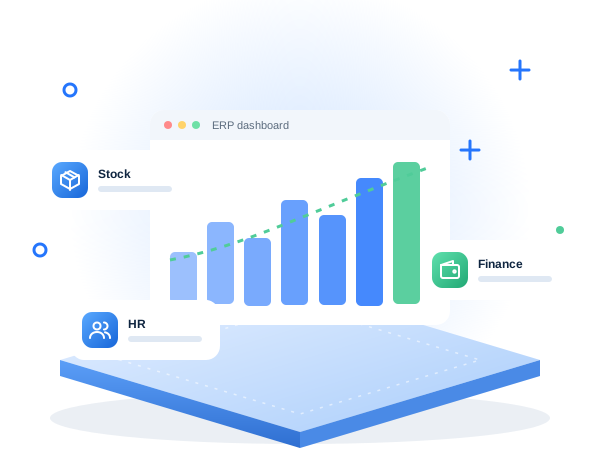
When sales, stock, purchasing and accounts live in separate files and apps, the same data is typed again and again and nobody trusts the numbers. An ERP system connects those departments so a sale updates stock, invoices and reports automatically.
We build ERP systems module by module, starting with the area that causes the most pain. You can also start with ready-made apps from our NanoNear suite, such as CRM, POS, Work and HR, and we connect or extend them for your business.
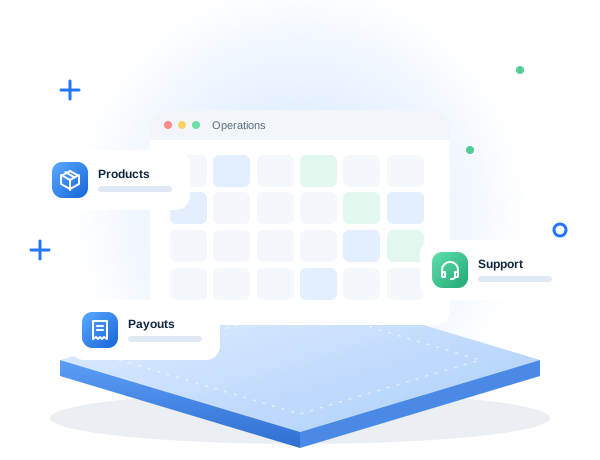
Pick the modules you need now and add more later.
Leads, quotes, orders and customer history, connected to stock and invoicing.
Stock levels per location, transfers, low-stock alerts and barcode scanning.
Suppliers, purchase orders, approvals and goods received, linked to stock and accounts.
Invoices, payments, expenses and exports for your accountant or accounting software.
Employee records, attendance, leave and payroll inputs, with hiring connected through NanoNear HR.
Live dashboards and scheduled reports for management, by department, branch or person.
NanoNear Work
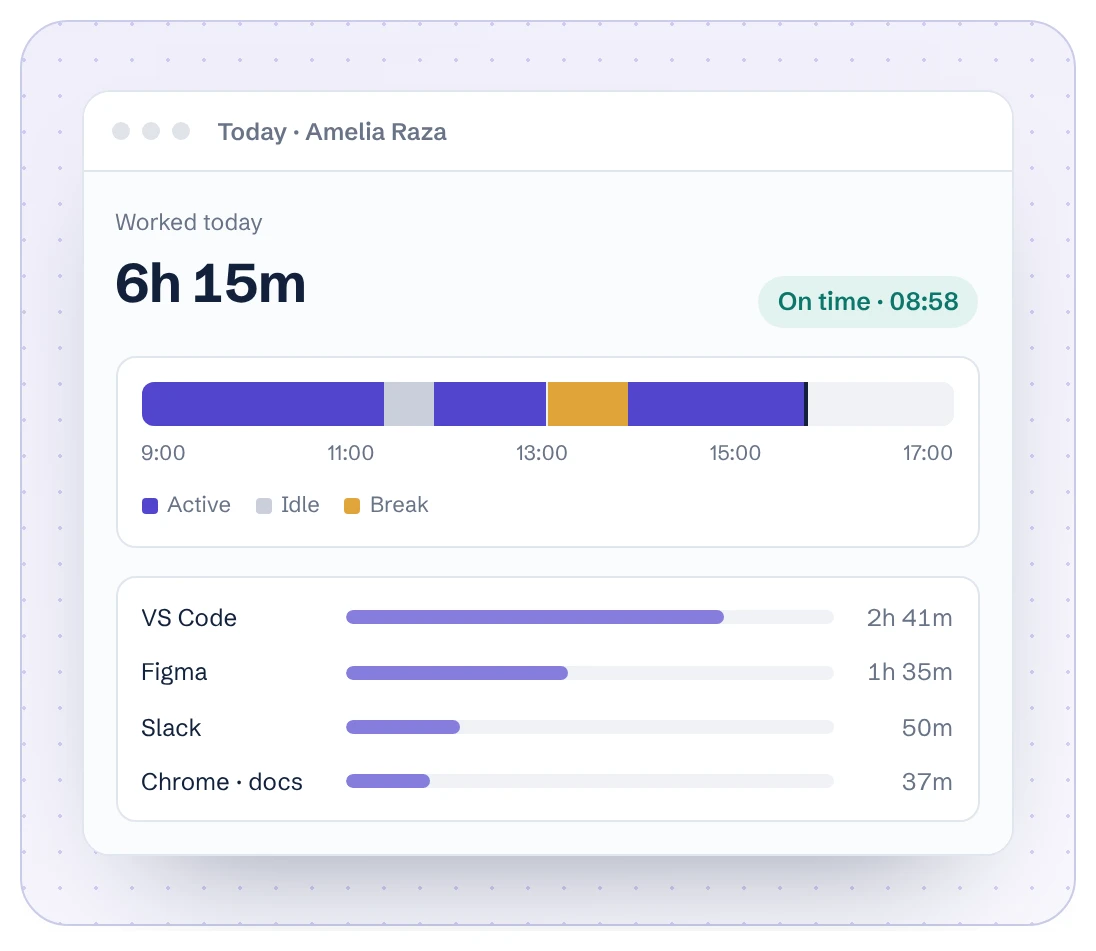
NanoNear Work records hours, attendance and activity for office and remote teams. Combined with NanoNear CRM, POS and HR, it can cover a large part of a small company's ERP needs on one account.
We document how each department works today.
Agree which modules come first and how data flows.
Develop modules and import your existing data.
Train each team and support the roll-out.
Common signs: stock counts that never match, the same data typed into several files, month-end taking days, nobody trusting the numbers, and only one person who understands the master spreadsheet.
Usually because the scope is too large at once, processes are not agreed before building, data is not cleaned before import, and staff are not trained. Delivering one module at a time and cleaning data early avoids most failures.
Yes. Orders and stock can sync with Shopify or WooCommerce, and invoices and payments can be exported to or synced with your accounting software.
It depends on the modules. We plan phases so the first module, often inventory or sales, is in use early while the rest is built.
Tell us what you need. We reply with questions or a quote.