Leads and your pipeline
Drag deals between stages on a board or work from a list, with owners, sources and custom fields filled in for you.
- Multiple pipelines and stages
- Quotes from your product list
- Import from CSV or Excel

NanoNear CRM
NanoNear CRM is the CRM our team builds and runs. We set it up for your sales process, import your data and train your team.
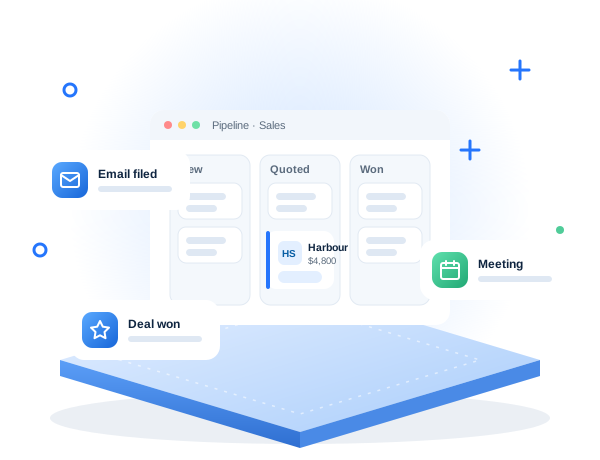
Most lost deals are not lost to a competitor; they are lost to a follow-up nobody sent. When leads arrive by email, web form and phone and live in several inboxes and a spreadsheet, nobody knows where a deal stands when someone is away.
NanoNear CRM keeps each lead, its emails, calls and meetings on one record your whole team can see. Leads move through your pipeline, emails file themselves on the right contact, and meetings can be booked and held without leaving the CRM. We set it up for your process, import your data and train your team.
Features that work today. Some are available on specific NanoNear plans.
Drag deals between stages on a board or work from a list, with owners, sources and custom fields filled in for you.
One record per person and company with a full timeline of emails, calls, meetings, notes and files.
Connect any mailbox over IMAP and SMTP; emails are filed on the right contact and lead automatically.
Public booking pages create the contact, lead and meeting; NanoNear Meet runs video calls in the browser.
Workflows act when records change, webhooks send events to other systems and web forms drop enquiries into the pipeline.
Lead scoring, email summaries, drafted replies and translation, plus click-to-call from a lead on higher plans.
NanoNear E-Sign
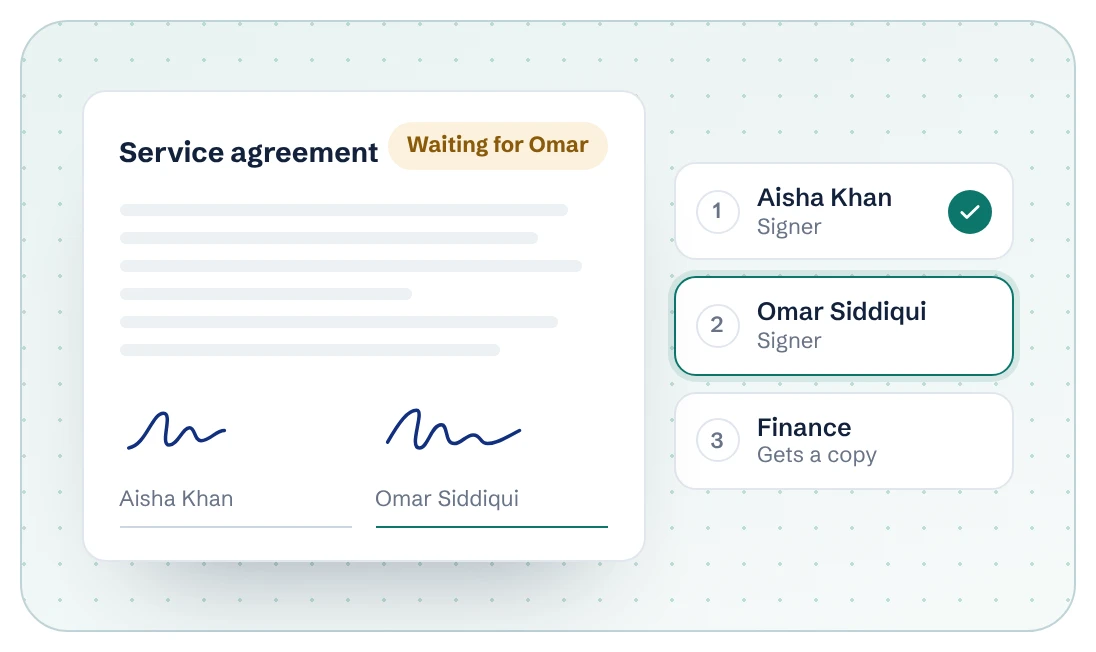
NanoNear E-Sign sends contracts for signature in order and shows exactly who still has to sign. Email Marketing sends campaigns to your CRM contacts from your own address. Every app shares one NanoNear sign-in.
Stages, lead sources, fields and who owns what.
Pipelines, users, roles, mailboxes and web forms.
Leads, contacts and products from your spreadsheets or old CRM.
Team training, then automation and reports as you grow.
Every lead gets an owner, a stage and a next step, emails file themselves on the lead, and you can see a list of conversations waiting on a reply. Nobody has to remember follow-ups in their head.
Keep the pipeline simple, import existing data so it is useful on day one, connect email so logging is automatic, and review the pipeline in the weekly sales meeting. People use a CRM when it saves them work.
Yes. NanoNear CRM imports CSV and Excel files and updates duplicates instead of copying them. We can do the import for you.
Yes. NanoNear CRM is available in 9 languages, including Arabic and Persian with right-to-left layout.
Tell us what you need. We reply with questions or a quote.